Schedule Discord Messages
Build a message now and have DWEEB post it later. Build your announcement, event or reminder now and let DWEEB post it at the right moment. The Send panel has a 'Send now / Schedule' toggle: pick a future time and the message is queued and delivered for you, even with your browser closed. Each server gets a list of its upcoming scheduled posts so you can see and manage what's coming — all without running a bot or hosting anything yourself.
Nothing is posted until you review the message and confirm it.
📢 Announcement
A quick heads-up for everyone — here's what's new and what it means for you.
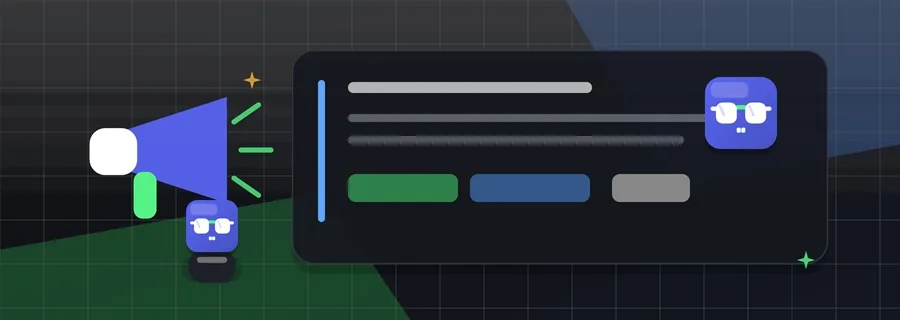
We just rolled out a big update — faster, cleaner, and packed with the features you asked for. Skim the highlights, then dive in:
- 🚀 Noticeably faster across the board
- 🎨 A fresh new look
- 🛠️ Dozens of fixes and tweaks
Posted by the team • Thanks for being part of the community 💜
How it works
- Build the message. Design your message in DWEEB exactly as you want it to go out — text, components and all.
- Pick a time. In the Send panel, switch to Schedule and choose when it should post. The Send button becomes 'Schedule post'.
- DWEEB sends it. The message is delivered at the time you picked, even with your browser closed. Manage upcoming posts from the per-server list.
What you can set up
- A 'Send now / Schedule' toggle right in the Send panel
- A per-server list of upcoming scheduled posts
- Edit or cancel a scheduled post before it fires
- Optionally make a scheduled post never-expire when it sends
- Drafts are sealed at rest — your content stays private until it posts
When to use it
- Lining up an announcement for a specific time or timezone
- Scheduling event reminders ahead of time
- Posting while you're away, without an always-on bot
Try Schedule Discord Messages
Build it visually in DWEEB and send it to your server in minutes.
Schedule a message →Frequently asked questions
Do I need a bot to schedule a message?
No. DWEEB queues and sends the message for you through your webhook — there's no bot to run and nothing to keep online on your end.
Will it send if my browser is closed?
Yes. Once a post is scheduled, DWEEB delivers it at the chosen time regardless of whether your browser is open.
Can I edit or cancel a scheduled post?
Yes. Each server has a list of its upcoming posts where you can change the time, edit the message, or cancel it before it fires.
Is DWEEB free?
Yes. DWEEB's visual builder is free and needs no account. Optional connected services and plans only add server-backed capacity; they do not lock the feature.
Related features
Other things DWEEB can add to the same server — or browse the full feature catalogue.
Part of DWEEB
Schedule Discord Messages is one part of DWEEB, a free visual Discord message builder for webhook messages and embed-style Components V2 layouts. Design the message itself, start from a ready-made template, or read the guides.